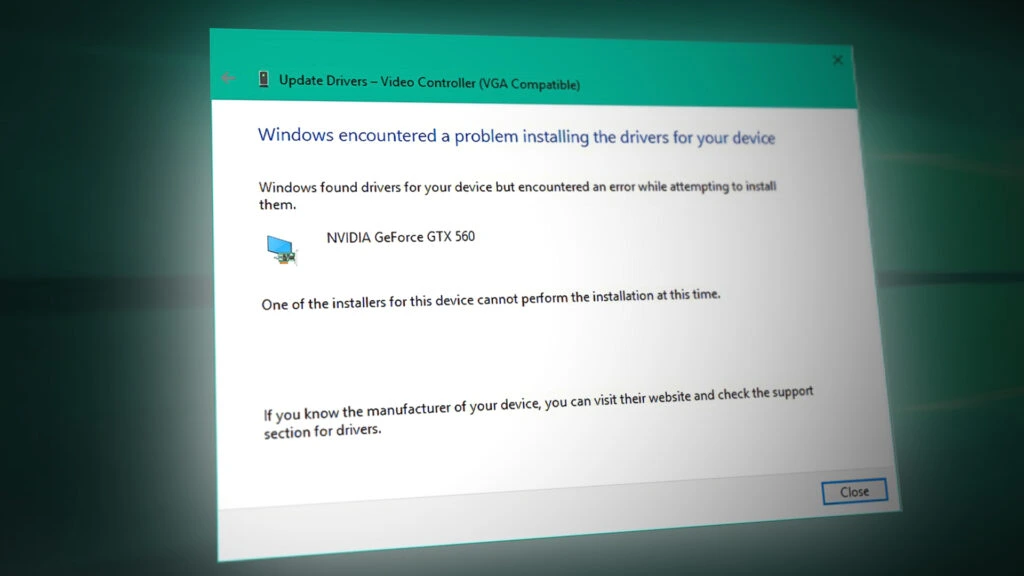
Welcome to our dedicated Windows OS Support page, designed specifically for small business owners who rely on their computer systems to keep their operations running smoothly. We understand that when your Windows operating system encounters issues, it can disrupt your workflow and affect your bottom line. Our goal is to provide you with the essential information and solutions you need to address common Windows OS problems, including crashed systems, the notorious Blue Screen of Death (BSOD), and software driver issues that can prevent Windows from loading.

A crashed Windows operating system can be a nightmare for any small business. Whether it’s due to a software conflict, a hardware failure, or an unexpected power outage, the consequences can be severe. Here are some steps to follow when you experience a crash:
When your computer crashes, take note of any error messages or unusual behavior. This information can be critical for troubleshooting.
Sometimes, a simple reboot can resolve temporary issues. Ensure that you restart your system properly to avoid further complications.
If your computer fails to start normally, try booting into Safe Mode. This mode allows you to troubleshoot issues with minimal drivers and services running.
If you suspect that recent changes to your system are causing the crash, use the System Restore feature to revert your computer to a previous state.
Inspect your hardware components, such as RAM and hard drives, for any signs of failure. Tools like Windows Memory Diagnostic can help identify memory issues.
If the problem persists, consider reaching out to IT professionals who specialize in Windows OS repair. They can provide a thorough diagnosis and implement the necessary fixes.
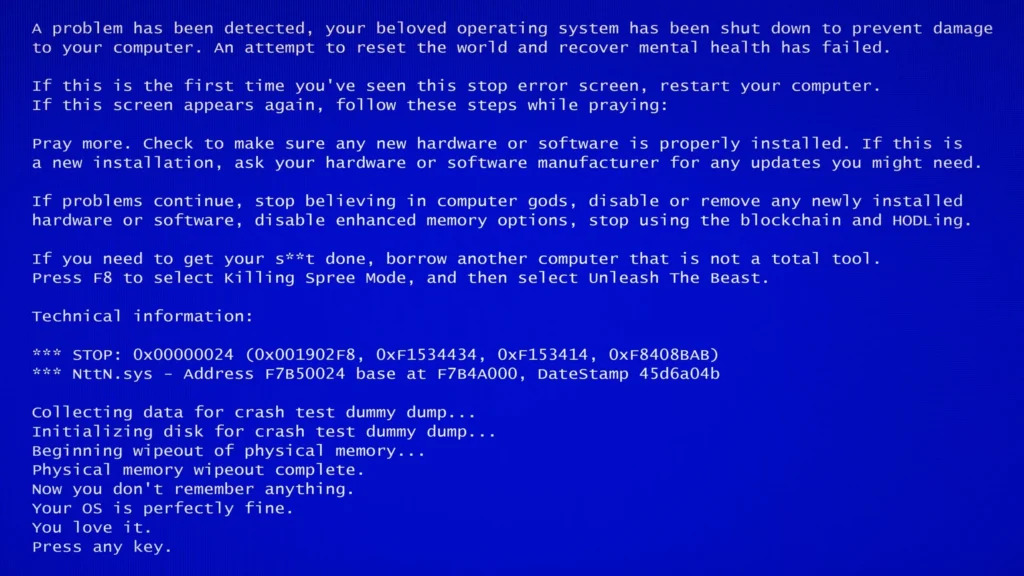
The Blue Screen of Death (BSOD) is one of the most dreaded sights for any Windows user. This critical error screen indicates that your system has encountered a problem it cannot recover from. Here’s how to tackle BSOD issues:
Software driver issues can significantly hinder your Windows operating system from loading correctly. Drivers are essential for enabling hardware devices to communicate with your operating system. When they malfunction, your system may fail to start. Here’s how to address driver-related problems: